
UT30 Kit / PRODUCT GUIDE
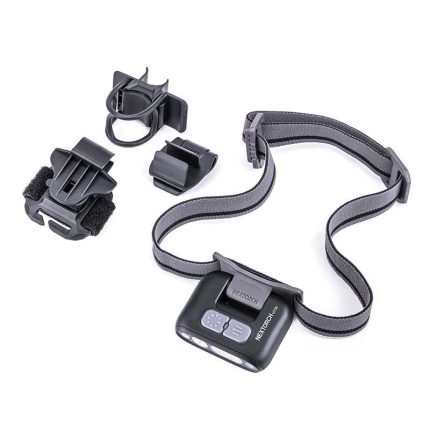
Rechargeable white and red light with four mounting accessories
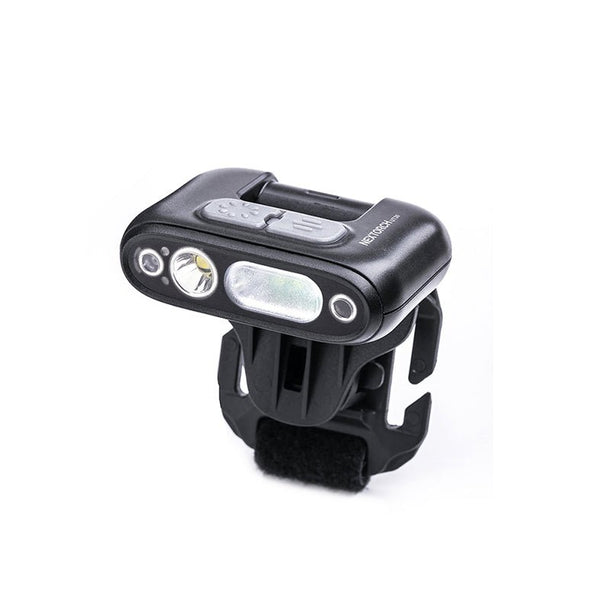
A 320-lumen rechargeable light kit for hands-free tasks, with white and red light and four mounting accessories.
Features
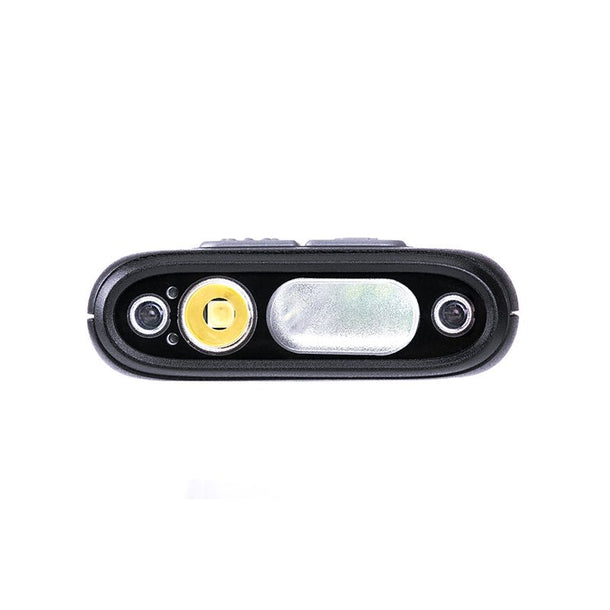
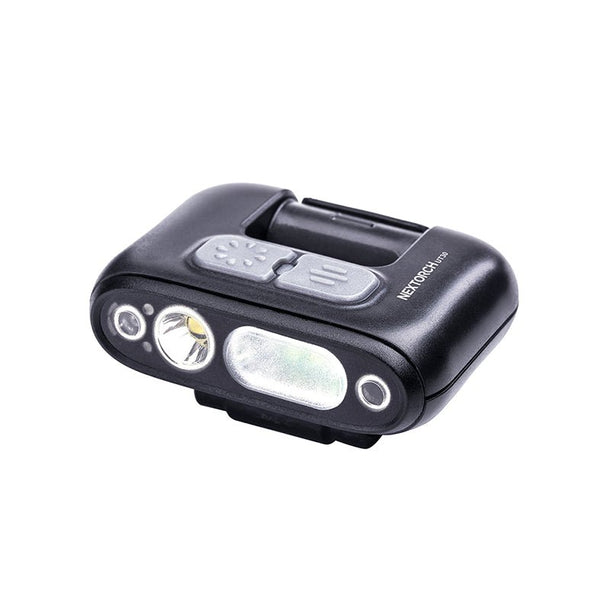
- White spotlight, floodlight and combined light
- Red steady and flashing modes
- Gesture control when sensor mode is enabled
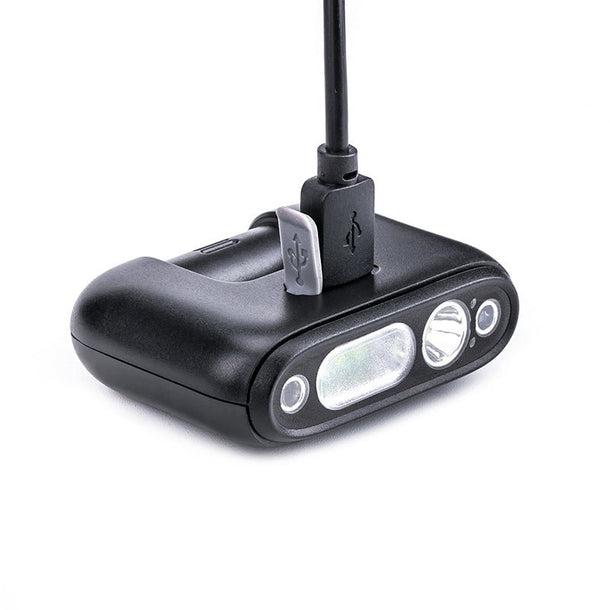
- USB-C rechargeable
Performance by mode
| Mode | Output | Runtime | Beam distance |
|---|---|---|---|
| Combined white | 320 lm | 3 h 45 min | 55 m |
| White spotlight | 220 lm | 7 h | 53 m |
| White floodlight | 140 lm | 7 h 30 min | 15 m |
| Red | 4 lm | 21 h | Not specified |
Technical specifications
| Brand | NEXTORCH |
|---|---|
| Model | UT30 Kit |
| Power source | Built-in 640 mAh rechargeable battery |
| Water resistance | IPX4 |
| Impact resistance | 1 m |
| Product dimensions (not packaging) | 61 x 47 x 19 mm |
| Weight | 41 g, including battery; excluding mounting accessories |
Included items
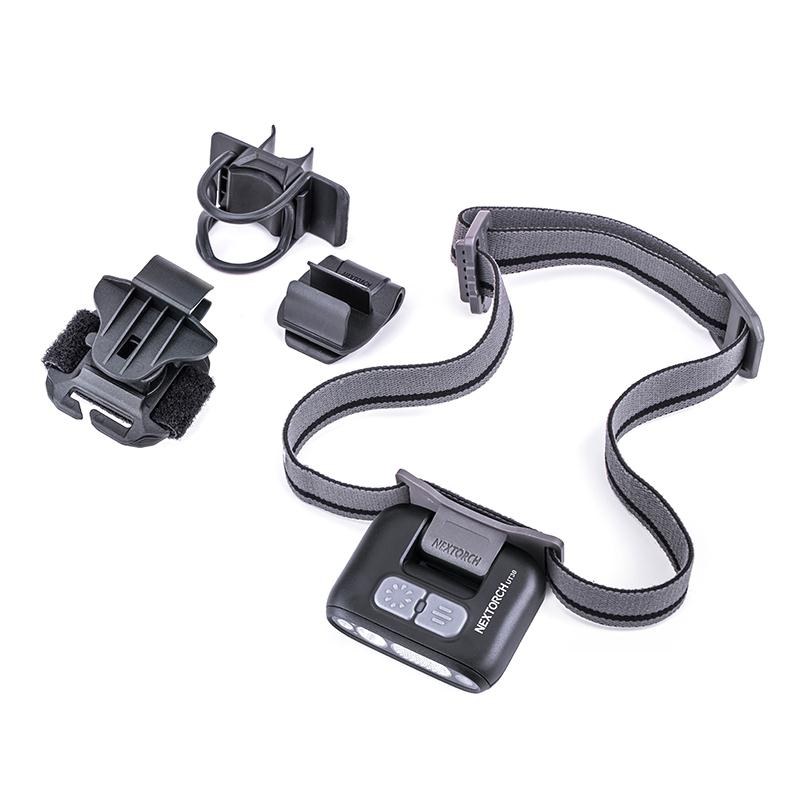
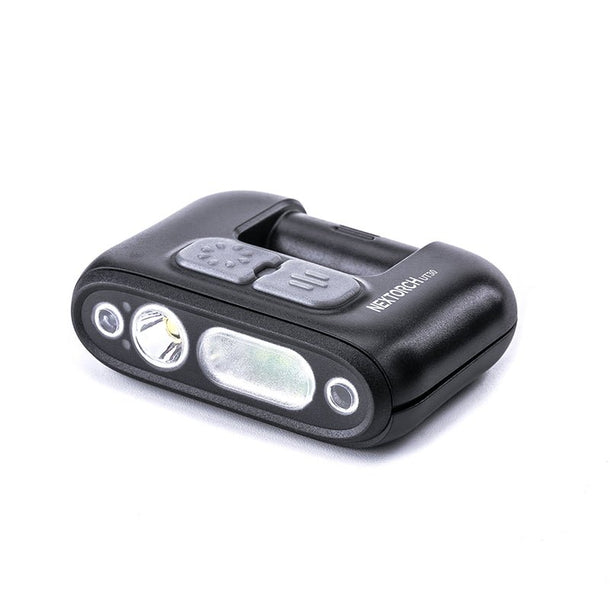
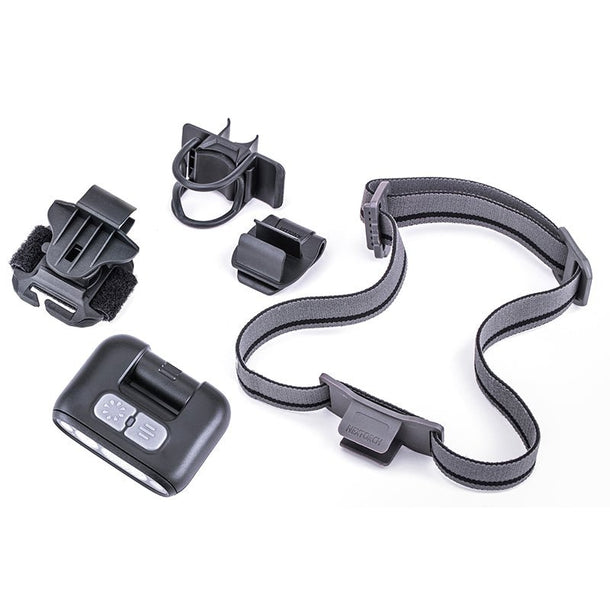
- UT30 light with built-in battery
- Multi-mount clip
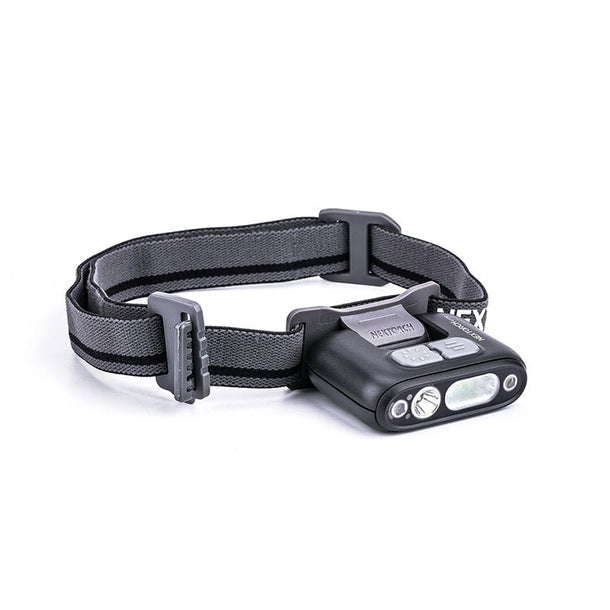
- Headlamp strap
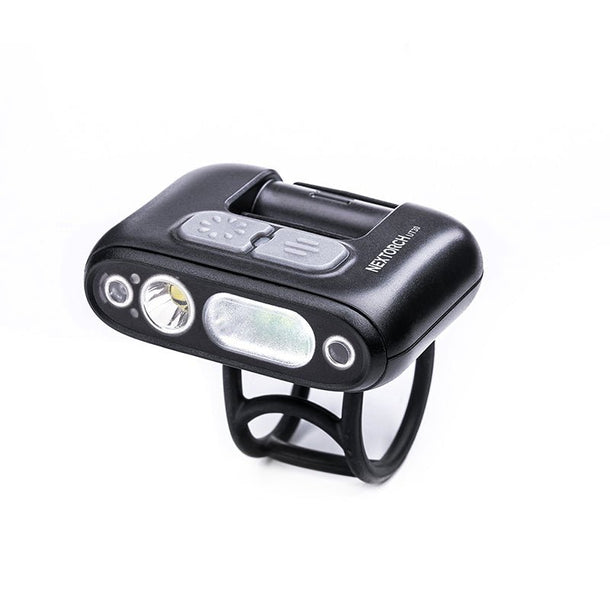
- Bicycle mount
- Helmet mount
Included items listed above follow the manufacturer catalog and the confirmed Kit configuration.
Source: manufacturer Fall 2026 product catalog, printed page 88. Maximum brightness, longest runtime and maximum beam distance are separate ratings. Listed runtime does not mean peak output is maintained throughout. Results vary with battery condition, mode and environment.
Order support
Questions about your configuration? Email [email protected].
Standard shipping US$5.90 (estimated 13–16 days); Express US$9.90 (estimated 9–10 days). Shipping & import charges · Returns · Warranty.
UT30 controls and charging guide
How do I switch on the UT30 and change modes?
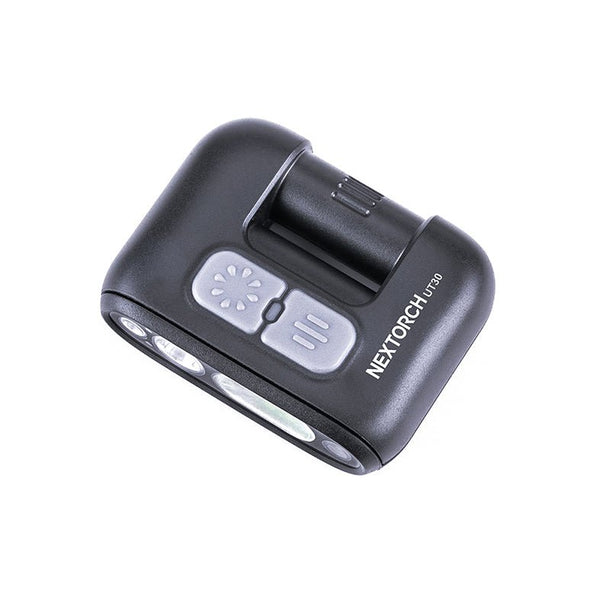
Hold the normal switch for one second to turn the light on or off. With the light on, press the switch to change modes; hold it for three seconds to access SOS.
How do I activate hands-free control?
Press the inductive switch; the blue indicator shows that sensor control is enabled. Wave your hand twice in front of the motion detector to turn the light on or off. Use the normal switch to select the lighting mode.
How long does USB-C charging take?
The manual lists approximately two hours for charging the built-in battery. Actual charging time can vary.
Operating reference: NEXTORCH UT30 manual (PDF).
Reviews
There are no reviews yet.